
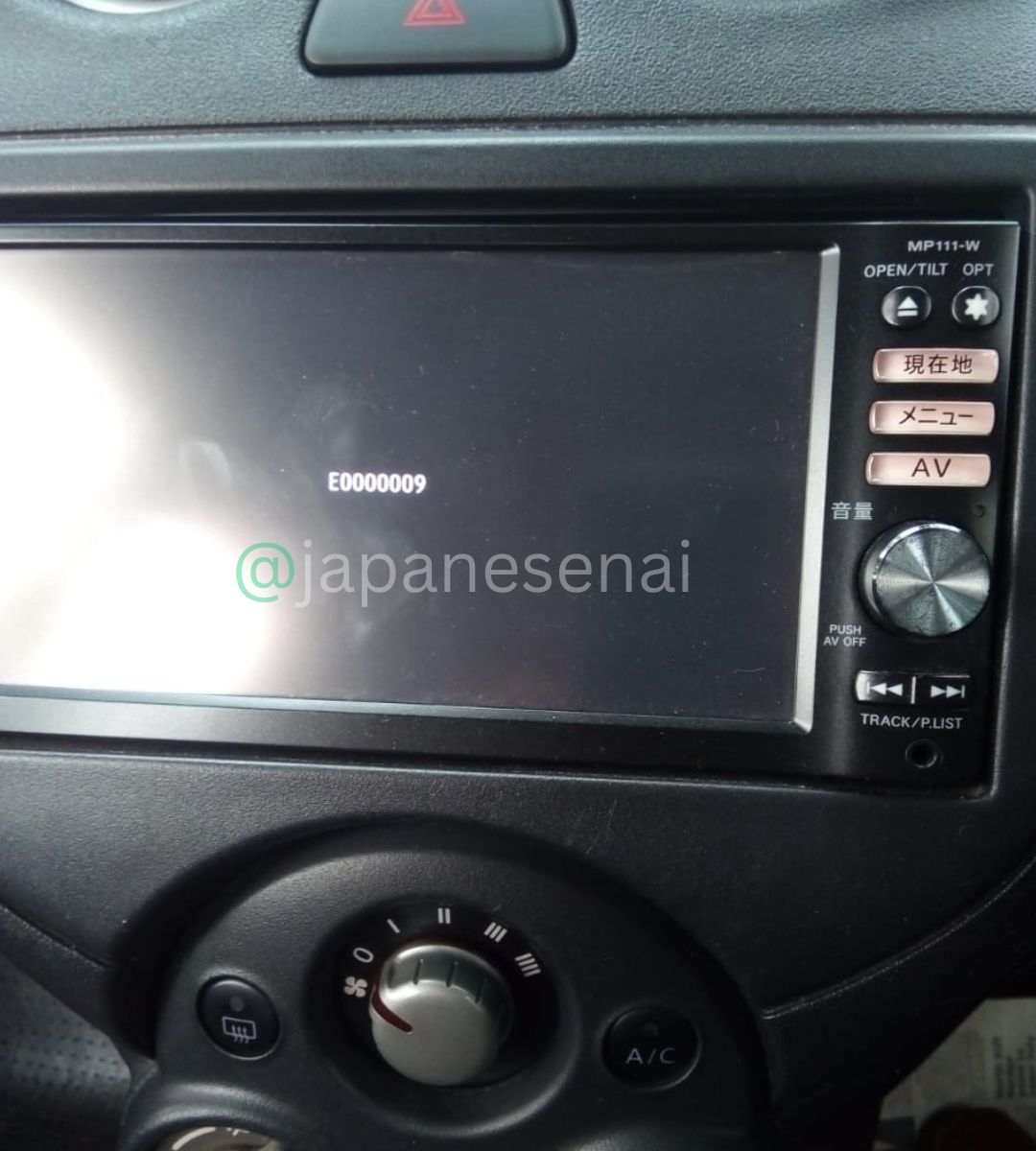
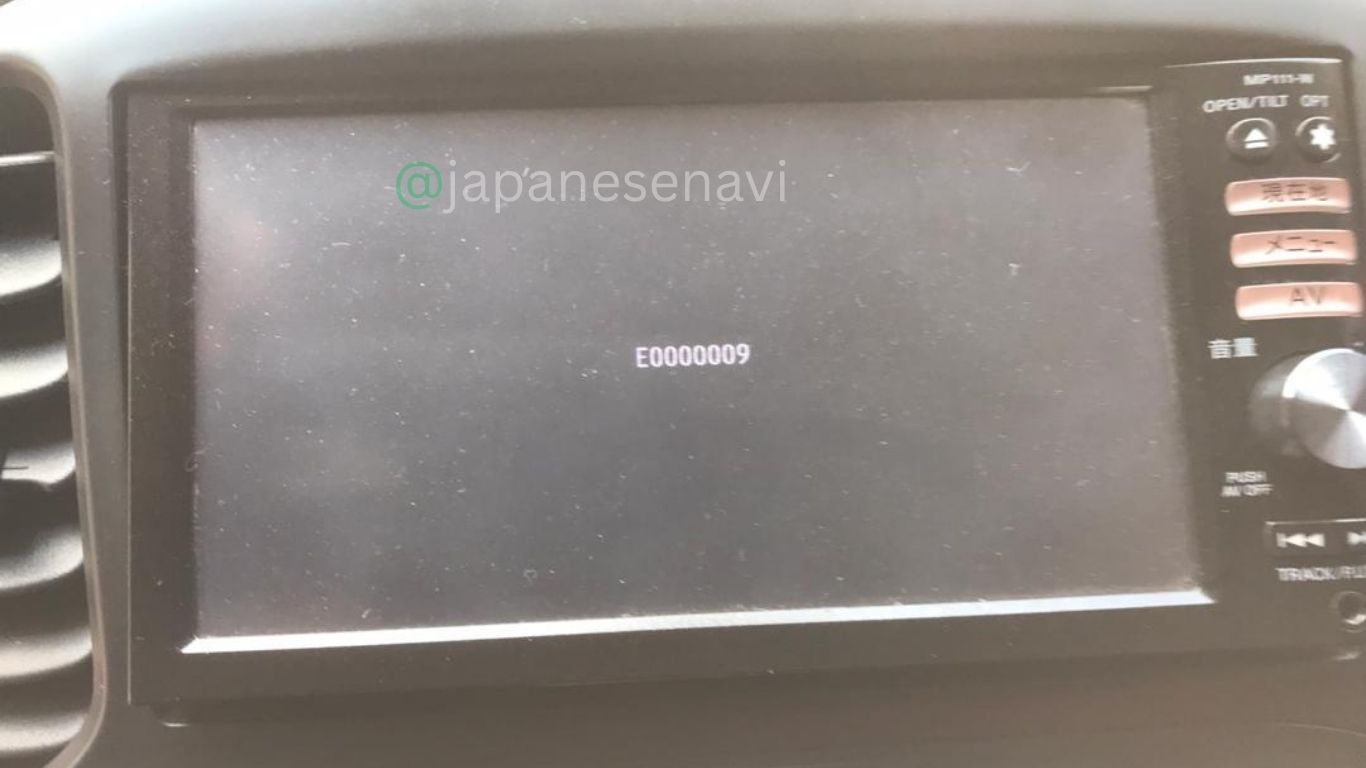
Nissan MP111-W Navigation Map SD Card
Nissan MP111-W Navigation Map SD Card Replacement
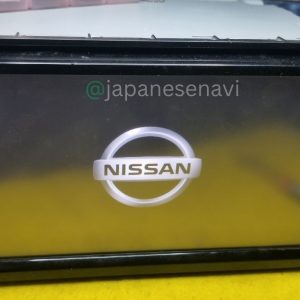
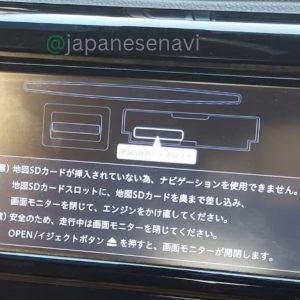
fixes missing SD card errors and restores navigation, map data, menu settings, music, Bluetooth and stereo functions.
Available as download service or physical SD card shipping worldwide.
Contact WhatsApp for compatibility confirmation, support or video call assistance.

★★★★★
5.0 Excellent (1 Customer Review)
Compatible with Nissan MP111-W navigation systems.
Description
div style=font-familyArial,Helvetica,sans-serif;max-width800px;marginauto;color#333;line-height1.6;
!– Product Header —
div style=border-left5px solid #1b7f2a;background#f8f8f8;padding20px;border-radius8px;
h2 style=margin0;color#222;text-aligncenter;
Nissan MP111-W Navigation Map SD Card
h2
p style=text-aligncenter;color#1b7f2a;font-weightbold;margin-top8px;
Original Japan Pioneer Navigation Software Download & Physical SD Card
p
div
p
Restore your Nissan Pioneer factory navigation system with the correct compatible map SD card.
When the original navigation card is missing, damaged, or unreadable, the system may show
SD card related messages and many navigation functions become unavailable.
Installing the correct SD card restores navigation operation, menu access, Bluetooth functions,
and original factory navigation features.
p
!– Compatibility —
details
summary style=cursorpointer;background#f1f1f1;padding12px;border-radius5px;margin-top10px;font-weightbold;
📌 Compatible Model & SD Card Information
summary
div style=padding15px;
bNavigation Modelbbr
MP111-Wbrbr
bSeriesbbr
Nissan MP Seriesbrbr
bManufacturerbbr
Pioneer (パイオニア)brbr
bSystembbr
Nissan Genuine Pioneer Navigation Systembrbr
bSD Card Typebbr
Navigation Map SD Cardbrbr
bSD Card Codebbr
Please confirm from original SD card label before ordering
div
details
!– Problems —
details
summary style=cursorpointer;background#f1f1f1;padding12px;border-radius5px;margin-top10px;font-weightbold;
⚠️ Common Nissan MP Series Navigation Problems Solved
summary
div style=padding15px;
ul
liNavigation SD card missing messageli
liPlease insert navigation SD card warningli
liMap SD card not detectedli
liNavigation map not loadingli
liMenu and settings unavailableli
liBluetooth function not workingli
liLanguage option unavailableli
liNavigation functions blockedli
liFactory navigation recoveryli
ul
div
details
!– Restored Functions —
details
summary style=cursorpointer;background#f1f1f1;padding12px;border-radius5px;margin-top10px;font-weightbold;
✅ Functions Restored After SD Card Installation
summary
div style=padding15px;
ul
liNavigation map operationli
liMenu settings accessli
liBluetooth functionsli
liGPS navigationli
liOriginal Pioneer navigation featuresli
liComplete factory system accessli
ul
div
details
!– Service —
details
summary style=cursorpointer;background#f1f1f1;padding12px;border-radius5px;margin-top10px;font-weightbold;
💾 Available SD Card Service
summary
div style=padding15px;
bDigital Download Servicebbr
Navigation software data can be provided for compatible SD card preparation.brbr
bPhysical SD Cardbbr
Ready-to-use navigation SD card available with worldwide delivery.
div
details
!– FAQ —
details
summary style=cursorpointer;background#f1f1f1;padding12px;border-radius5px;margin-top10px;font-weightbold;
❓ Frequently Asked Questions
summary
div style=padding15px;
bQ My Nissan navigation is not working because the SD card is missing. Will this fix itb
p
If the issue is caused by a missing, damaged, or incorrect navigation SD card,
the correct compatible card can restore navigation functions.
p
bQ How can I confirm compatibilityb
p
Check the model number printed on your navigation unit.
This product supports MP111-W.
p
bQ Do you provide physical SD cardsb
p
Yes. Digital download and physical SD card options are available worldwide.
p
div
details
!– Contact —
div style=
margin-top25px;
border2px solid #1b7f2a;
border-radius10px;
padding20px;
text-aligncenter;
background#ffffff;
h3 style=color#1b7f2a;margin0;
Need Help Checking Your Navigation SD Card
h3
p
Our support team can verify your navigation model compatibility.
p
a href=# style=
displayinline-block;
background#1b7f2a;
colorwhite;
padding10px 25px;
border-radius5px;
text-decorationnone;
font-weightbold;
Contact Us
a
div
div style=margin-top20px;
ul
lia href=httpslnkd.inekhcZbph target=_blankLive Supportali
lia href=httpswww.youtube.com@japanesenavi target=_blankYouTubeali
lia href=httpswww.instagram.comjapanesenavi target=_blankInstagramali
lia href=httpswww.facebook.comAhmedjapanesenavi target=_blankFacebookali
lia href=httpsmapsdcard.blogspot.com target=_blankBlogali
ul
p
bWhatsApp Viber Supportb +92 345 3162461
p
div
div
Reviews
There are no reviews yet.