
Clarion GCX612 Map SD Card | Japanese Navi
Clarion GCX612 Map SD Card for Clarion navigation systems.
Designed for customers experiencing missing map data, SD card errors, or navigation-data problems.
Suitable for the GCX612 navigation model and its vehicle-specific applications.
Worldwide shipping and software download support available.
Description
Clarion GCX612 Map SD Card
Clarion navigation map software — Japanese Navi
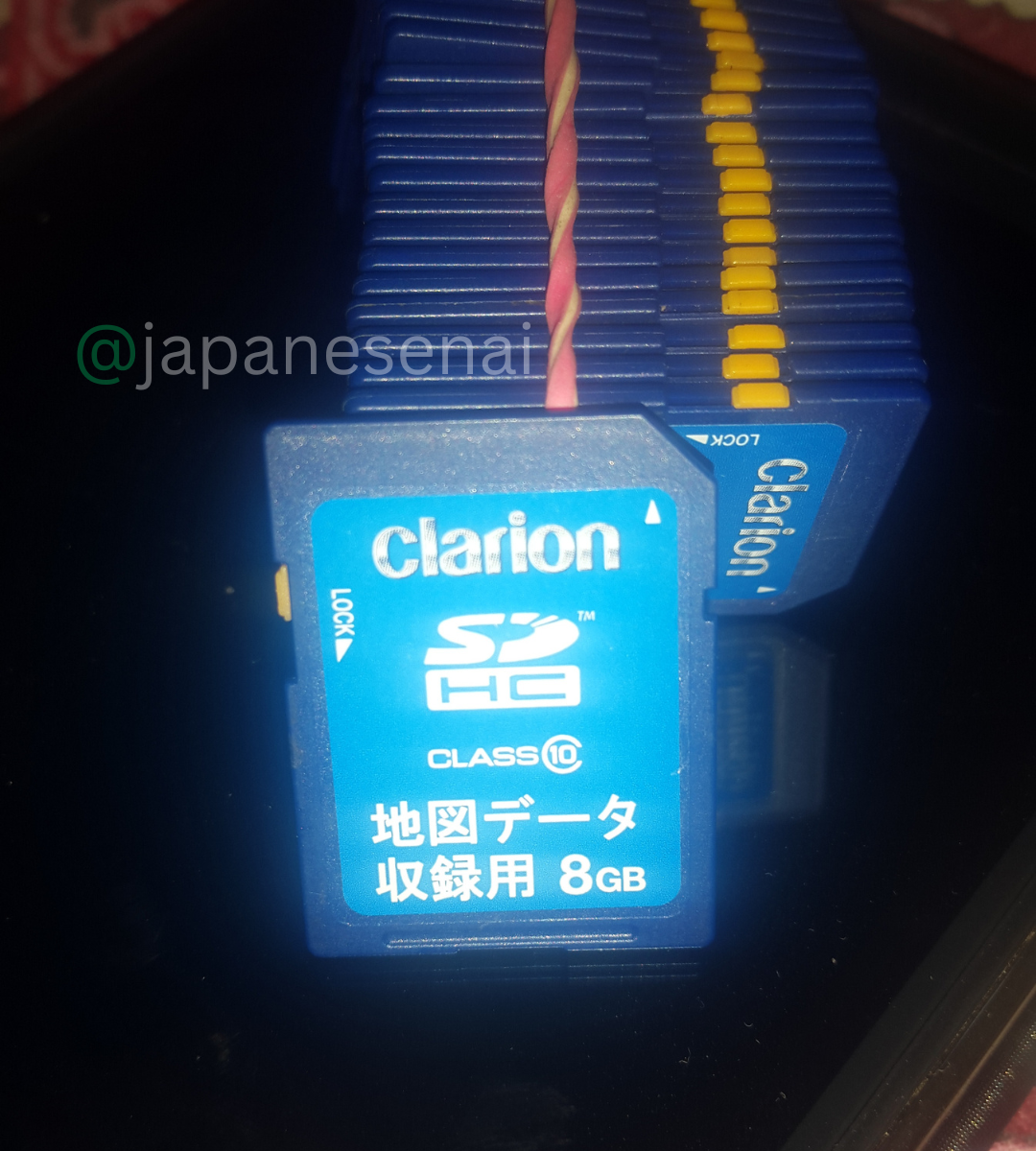
Clarion GCX612 Map SD Card is navigation software and map-data support for the Clarion GCX612 navigation system. This product does not include a physical SD card. The customer must provide their own suitable SD card, while Japanese Navi provides the applicable software, navigation data, preparation guidance, and support. The Clarion GCX612 Map SD Card is intended specifically for the GCX612 model, so the exact navigation model and applicable vehicle-specific version should be confirmed before ordering.
Compatibility & Map Card Information
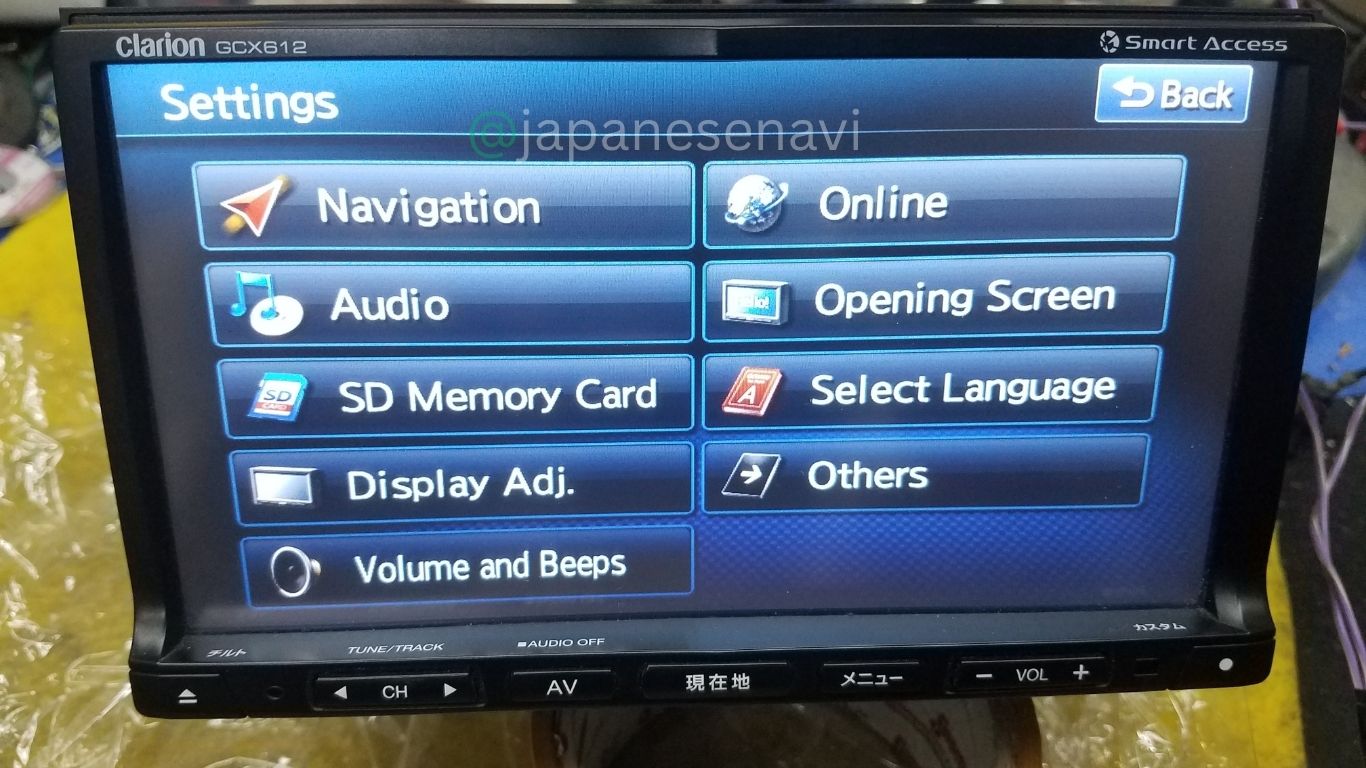
The Clarion GCX612 Map SD Card software is intended for the Clarion GCX612 navigation system. Clarion’s official support information identifies GCX612 as a 2012 navigation model and associates it with ROAD EXPLORER SA navigation software and model-specific update information.
| Brand | Clarion |
| Model | GCX612 |
| Model Year | 2012 |
| Navigation Type | Memory Navigation System |
| Display | 7.0-inch Wide VGA |
| Map Software | ROAD EXPLORER SA |
| Physical SD Card | Customer Provides Own SD Card |
The Clarion GCX612 Map SD Card refers to software and navigation data prepared for use on the customer’s own suitable SD card. A physical SD card is not included. The software should be matched to the exact GCX612 version and applicable manufacturer configuration.
Compatible Cars & Vehicle Applications
The Clarion GCX612 Map SD Card is matched to the navigation unit rather than being limited to a single vehicle. The GCX612 was used as a genuine Japanese dealer-option navigation system in different vehicle applications and manufacturer-specific configurations.
Documented vehicle applications include:
- Suzuki Wagon R
- Suzuki Lapin
- Suzuki Every
- Suzuki Jimny Sierra
- Mitsubishi Delica D:5
Clarion support information also identifies GCX612 versions associated with different manufacturers and vehicle-specific navigation configurations. This means that the exact software or map data can depend on the original vehicle application and navigation version.
Vehicle compatibility can vary according to model year, grade, factory equipment, dashboard configuration, wiring, installation hardware, and the manufacturer-specific version of the navigation unit.
For this reason, the vehicle name should not be the only compatibility check. The exact navigation model should be confirmed as GCX612, together with the applicable part number where available.
If your vehicle has a GCX612 installed, the Clarion GCX612 Map SD Card software can be prepared for your own suitable SD card after the model and applicable version have been confirmed.
Why the Card or Data Fails
Navigation SD media stores important map and system information and can become unreliable because of age, repeated use, data corruption, physical damage, or incorrect handling. An original navigation card may eventually become unreadable or may no longer contain usable navigation data.
When the original navigation media cannot be accessed correctly, the GCX612 may have difficulty loading maps or using navigation information. In this situation, the Clarion GCX612 Map SD Card software can be prepared for a suitable customer-supplied SD card.
A problem with the navigation media does not automatically mean that the complete GCX612 head unit has failed. The navigation hardware can remain functional while the original card or stored navigation data becomes unusable.
Using the correct software and map data for the exact GCX612 version is important. Files intended for another Clarion model should not be used simply because the card format is similar.
Common Problems
Customers looking for a Clarion GCX612 Map SD Card may be experiencing navigation-data or SD-media related problems such as:
- Map data missing or unavailable
- Navigation map media not recognized
- Navigation-data errors
- Map information failing to load
- Old or damaged navigation media
- Problems following an unsuccessful update
- Navigation software becoming unusable
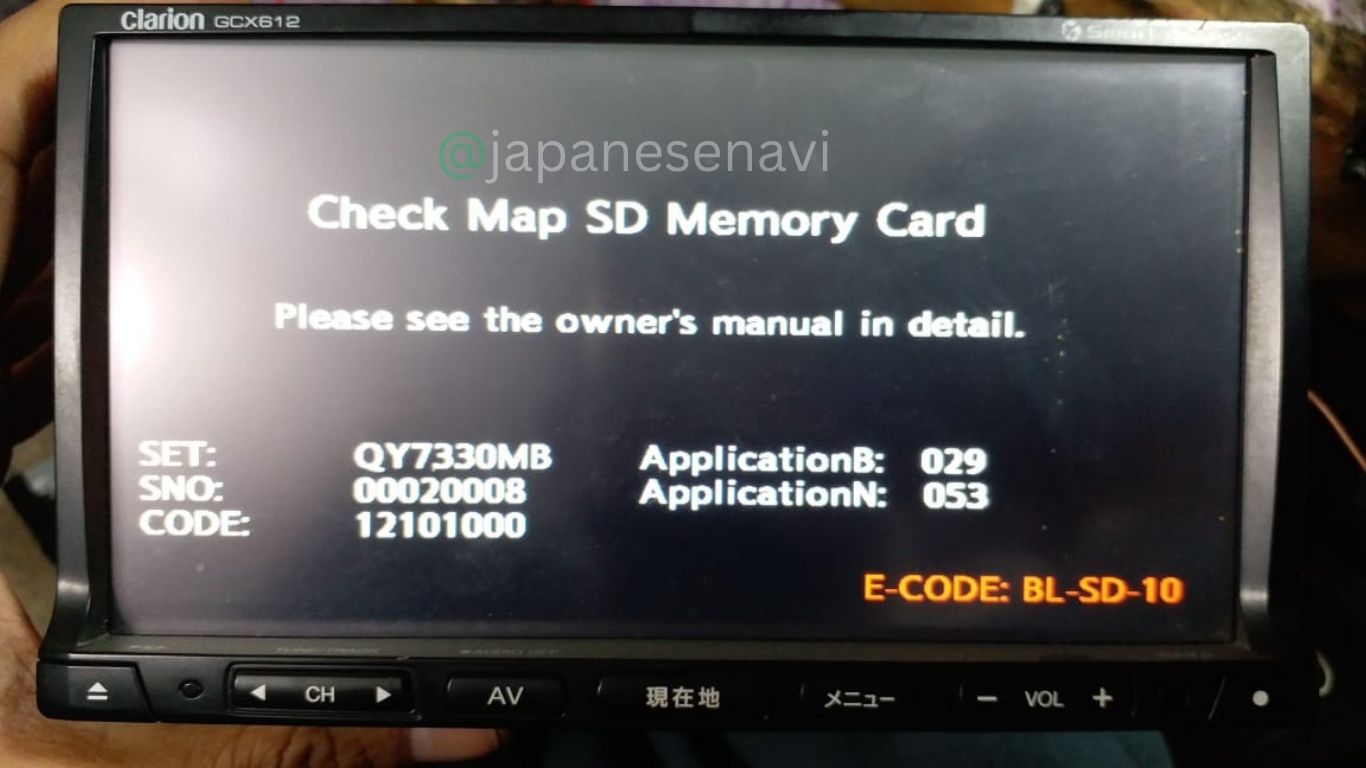
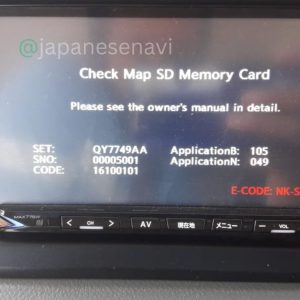
- SD-card related warnings or messages
The Clarion GCX612 Map SD Card software is intended for navigation-media and software-data requirements. It is not intended to repair unrelated hardware problems such as a defective display, GPS antenna, power supply, wiring, or internal navigation electronics.
If the navigation problem continues after the customer’s SD card has been correctly prepared and installed, additional diagnosis may be required to determine whether the fault is within the navigation unit itself.
Software vs Full Unit Replacement
When the Clarion GCX612 navigation hardware is still functioning but the original navigation media or data has become unusable, the Clarion GCX612 Map SD Card software can provide a more direct option than replacing the complete navigation unit.
Customers can keep their existing GCX612 installed in the vehicle and use their own suitable SD card for the supplied navigation software and data. This allows the original navigation hardware, display, controls, audio functions, and other integrated features to remain in place.
Replacing the complete navigation unit may be unnecessary when the actual problem is limited to navigation data or SD media. The software-based approach focuses on preparing compatible navigation content for the customer’s own SD card.
However, software cannot repair unrelated hardware failures. If the GCX612 has an internal electronic problem, GPS fault, display failure, power issue, or wiring problem, further diagnosis may be necessary.
What’s Included
This listing is for Clarion GCX612 Map SD Card software and navigation-data support.
No physical SD card is supplied. The customer must provide their own suitable SD card. Japanese Navi provides the applicable software, navigation data, preparation guidance, and support for the confirmed GCX612 system.
The complete GCX612 navigation unit is not included. The display, GPS antenna, wiring harness, microphone, vehicle accessories, installation hardware, and other physical components are not included.
The exact software and navigation data supplied depend on the confirmed navigation model, version, and applicable configuration. Customers should provide the exact model information before the software is prepared.
Before You Order
Before ordering the Clarion GCX612 Map SD Card, check the navigation unit and confirm that the model number is exactly GCX612.
Please also provide the manufacturer part number when it is available. GCX612 navigation systems were supplied in different vehicle-specific configurations, and the applicable software can depend on the original navigation version.
Documented vehicle applications include Suzuki Wagon R, Suzuki Lapin, Suzuki Every, Suzuki Jimny Sierra, and Mitsubishi Delica D:5. These are examples of documented applications and should not be interpreted as a guarantee that every year or grade uses the same navigation configuration.
You must provide your own SD card. Japanese Navi does not ship a physical SD card for this product. The customer’s own suitable SD card is used for the required software and navigation-data preparation.
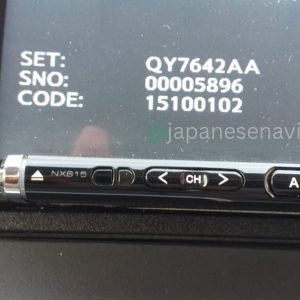
If you are unsure about the correct software version, send a clear photograph of the navigation model label and, where possible, the current system-information screen or manufacturer part number.
Frequently Asked Questions
Is this a Clarion GCX612 Map SD Card?
Yes. This listing provides the Clarion GCX612 Map SD Card software and navigation data for use with the customer’s own suitable SD card.
Do you provide the physical SD card?
No. A physical SD card is not included. The customer must provide their own suitable SD card for the software and navigation data.
Which cars use Clarion GCX612?
Documented applications include Suzuki Wagon R, Suzuki Lapin, Suzuki Every, Suzuki Jimny Sierra, and Mitsubishi Delica D:5. GCX612 versions were also associated with different manufacturer-specific configurations.
Can I order based only on my vehicle model?
No. The exact navigation model should be confirmed first. A vehicle can have different navigation equipment depending on model year, grade, factory installation, and previous replacement.
What navigation software does GCX612 use?
Clarion’s official update information identifies GCX612 with ROAD EXPLORER SA navigation software and model-specific update data.
Can I use any SD card?
The customer must provide a suitable SD card for the required software preparation. The physical card itself is not supplied by Japanese Navi.
Can I use software from another Clarion model?
Compatibility should not be assumed. The supplied software and navigation data should be matched to the exact GCX612 system and applicable version.
What problems can the Clarion GCX612 Map SD Card help with?
The Clarion GCX612 Map SD Card software is intended for navigation-data and SD-media related requirements, including missing, damaged, corrupted, or unusable navigation data.
Does Japanese Navi provide software download support?
Yes. Japanese Navi provides software-download assistance and guidance for supported Clarion navigation systems, including help identifying the appropriate software for the confirmed model.
Will the software fix every GCX612 problem?
No. Hardware failures, GPS faults, power problems, wiring issues, display faults, or other internal failures require separate diagnosis.
Do I need a physical SD card?
Yes. The customer must provide their own suitable SD card. Japanese Navi supplies the software and navigation-data support rather than shipping a physical SD card.
Software Download & Support
Japanese Navi provides software download and navigation support for compatible Clarion navigation systems. For the Clarion GCX612 Map SD Card, customers receive the applicable software and navigation-data support for use with their own suitable SD card.
No physical SD card is shipped. The customer must provide their own compatible SD card. Japanese Navi provides the applicable software, navigation data, preparation guidance, and support according to the confirmed GCX612 model and version.
Before the software is prepared, please provide the exact navigation model number and, where available, the manufacturer part number. A clear photograph of the navigation unit or system-information screen can also help confirm the correct software.
Software-download support may include assistance with identifying the correct navigation software, map data, update files, SD-card preparation, installation steps, and troubleshooting of navigation-data related problems.
The software should only be used with the confirmed compatible navigation system. Software or update files intended for another Clarion model should not be used unless compatibility has been verified.
Worldwide support is available remotely. Customers do not need to receive a physical SD card from Japanese Navi because the customer’s own suitable SD card is used for the required software and navigation-data preparation.
Please verify that your navigation unit is exactly Clarion GCX612 before ordering. The customer must provide their own suitable SD card, while software and navigation-data compatibility depends on the exact navigation model and applicable manufacturer-specific version.
Reviews
There are no reviews yet.