ECLIPSE AVN-P10 Map SD Card | Japanese Navi
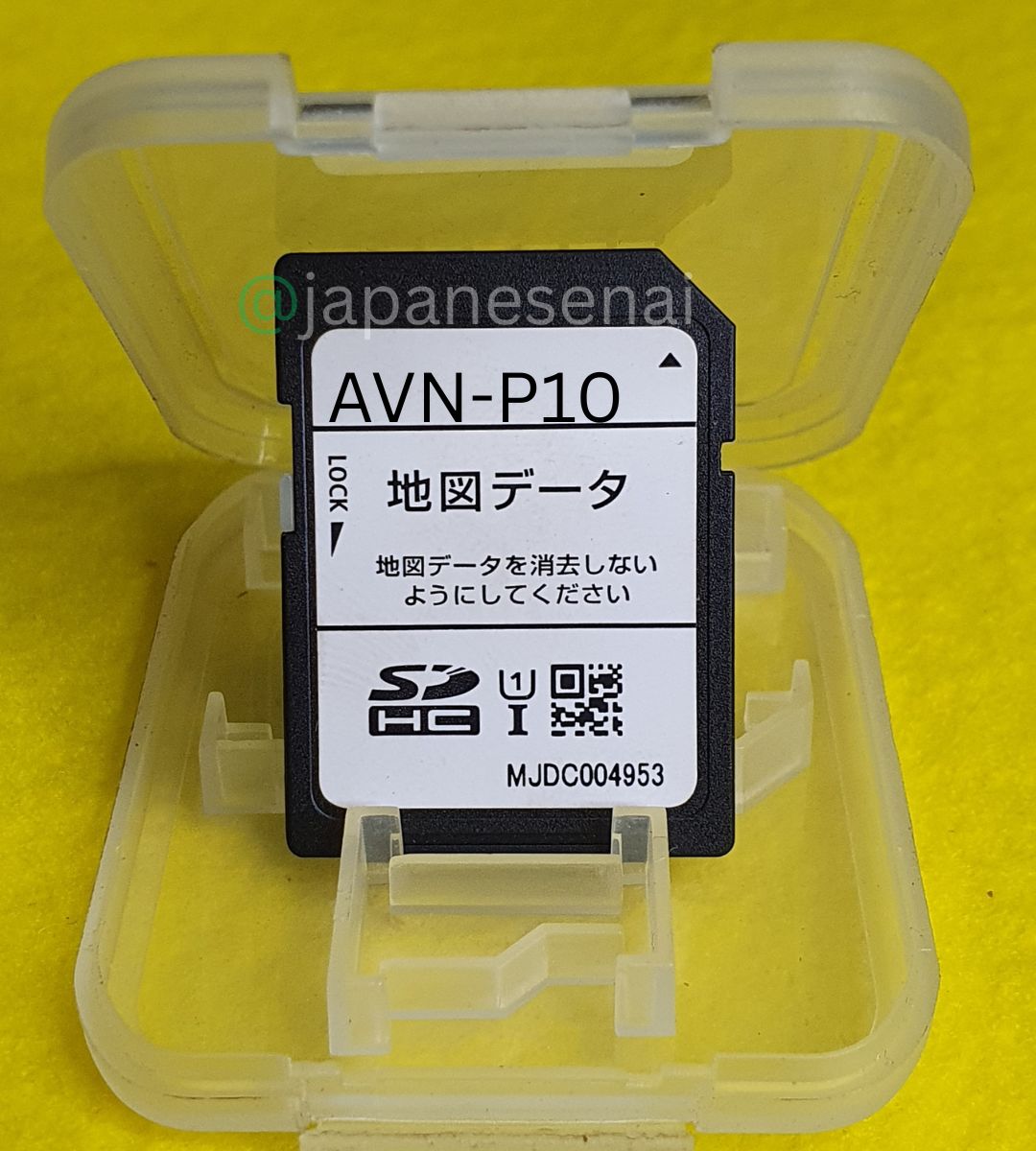
ECLIPSE AVN-P10 Map SD Card software for the Eclipse AVN-P10 (180mm standard DIN) navigation system, also covering the wide-DIN AVN-P10W.
Designed for customers experiencing missing map data, SD card errors, or navigation-data problems.
Customer provides their own SD card — no physical card is shipped. Worldwide software download support available.
Description
ECLIPSE AVN-P10 Map SD Card
Eclipse navigation map software — Japanese Navi
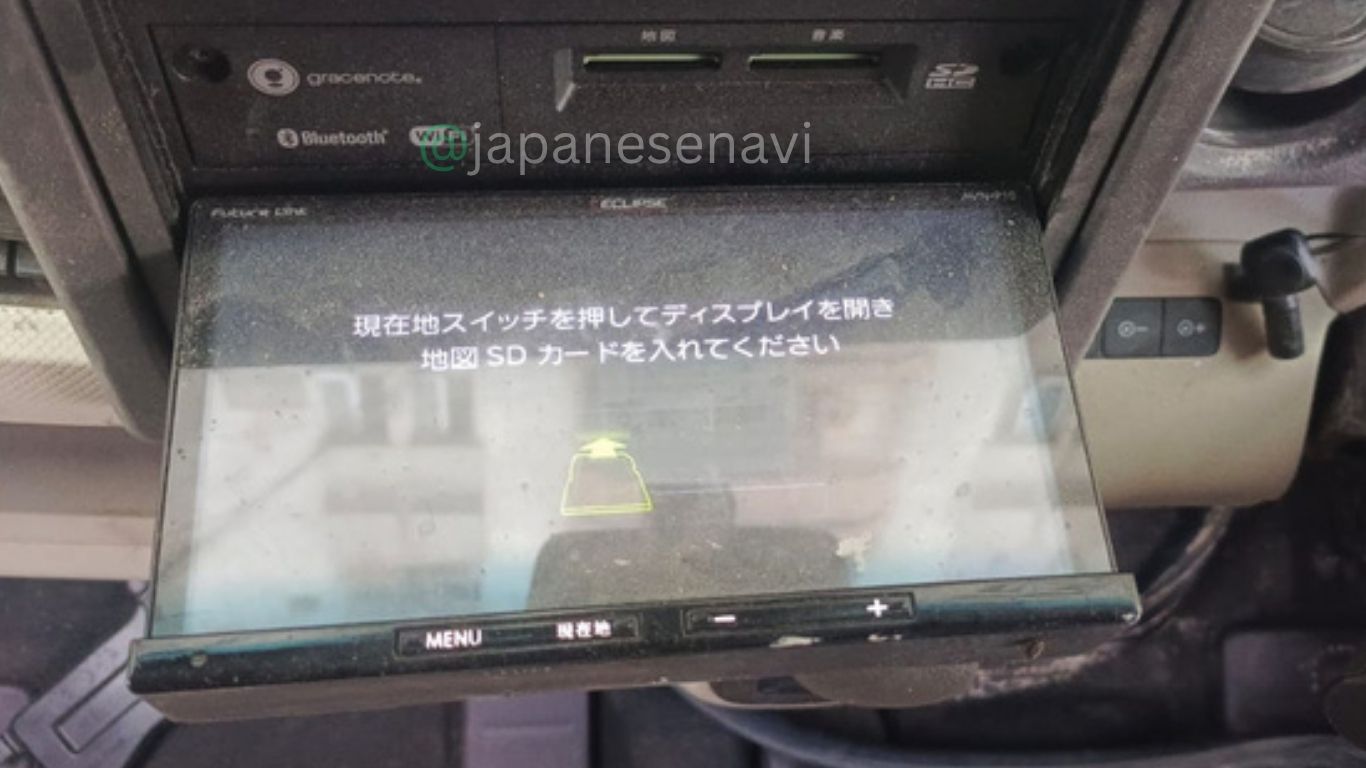
ECLIPSE AVN-P10 Map SD Card is navigation software and map-data support for the Eclipse AVN-P10 navigation system. Released in November 2020 as part of the 2021-model “AVN-P” special-sales-channel (特定販路向け) series, the AVN-P10 is a 180mm standard-DIN memory navigation unit with a 7-inch WVGA touchscreen, DVD/Bluetooth/Wi-Fi, full-seg digital TV, and Wi-Fi “Future Link” server connectivity for automatic map updates. Unlike the drive-recorder D-series, the P10 is a standard navigation unit without a built-in dashcam. The exact navigation model should be confirmed before ordering.
Compatibility & Map Card Information
The ECLIPSE AVN-P10 Map SD Card is intended for the Eclipse AVN-P10 navigation system. Denso Ten’s official product documentation confirms the AVN-P10 as a November 2020 release (2021 model year), part of the P-series special-sales-channel lineup, with a dedicated standard-size SD map card slot.
| Brand | Eclipse (Fujitsu Ten / DENSO TEN) |
| Model | AVN-P10 (180mm standard DIN) |
| Release | November 2020 (2021-model AVN-P special-sales-channel series) |
| Navigation Type | Memory Navigation System, 2DIN (no drive recorder) |
| Display | 7.0-inch WVGA touchscreen (standard, non-wide) |
| Map Media | Standard SD card, dedicated navigation map slot |
The wide-DIN sibling, AVN-P10W (200mm body), uses the same navigation platform and map card. If your unit is the P10W variant, let us know and we can confirm the correct software for your exact model.
Compatible Cars & Vehicle Applications
The AVN-P10 is a standard aftermarket navigation head unit rather than a model tied to a single manufacturer program. The 180mm AVN-P10 fits a standard single/1.5-DIN opening, while the 200mm AVN-P10W is built to match the wide dashboard opening used by some Toyota and Daihatsu models, allowing an easier fit in those vehicles.
Because this is a universal aftermarket unit, compatibility depends primarily on confirming the navigation model printed on the unit (AVN-P10) rather than the vehicle name.
Why the Card or Data Fails
Navigation SD media stores important map and system information, and can become unreliable through age, repeated use, data corruption, or physical damage. When the original navigation map card can no longer be read correctly, the AVN-P10 may have difficulty loading maps or accessing navigation data.
Common Problems
Customers looking for an ECLIPSE AVN-P10 Map SD Card are typically experiencing:
- Map data missing or unavailable
- Navigation map card not recognized
- Navigation-data errors
- Map information failing to load
- Old or damaged navigation media
- Problems following an unsuccessful update
- SD-card related warnings or messages
Not every navigation fault is caused by map data — GPS antenna problems, power issues, wiring faults, or internal hardware failures can produce similar symptoms and may need separate diagnosis.
Software vs Full Unit Replacement
When the AVN-P10 hardware is otherwise working but the original navigation map card has become unusable, preparing the correct software for your own SD card is a more direct fix than replacing the whole navigation unit — keeping the installed display, audio, Bluetooth, and Wi-Fi in place.
Software can’t repair unrelated hardware failures. If the AVN-P10 has a display fault, GPS antenna problem, power issue, or wiring problem, further diagnosis is recommended.
What’s Included
This listing covers ECLIPSE AVN-P10 Map SD Card software and navigation-data support only. A physical SD card is not included — customers use their own suitable standard-size SD card, and we provide the software, navigation data, and preparation guidance for it.
The complete AVN-P10 navigation unit, GPS antenna, wiring harness, and installation hardware are not included.
Before You Order
Before ordering, please confirm:
- Your navigation unit model is exactly AVN-P10 (or let us know if it’s the wide-DIN AVN-P10W)
- You have your own suitable standard-size SD card ready — see What’s Included above
If unsure, send a clear photo of the navigation model number and system-information screen before ordering.
Frequently Asked Questions
Is this an ECLIPSE AVN-P10 Map SD Card?
Yes. This listing provides the navigation software and map data for the Eclipse AVN-P10 (and the related wide-DIN AVN-P10W).
Do you include a physical SD card?
No. You use your own suitable standard-size SD card — see What’s Included above for details.
What’s the difference between AVN-P10 and AVN-P10W?
AVN-P10 is the 180mm standard-DIN body; AVN-P10W is the 200mm wide-DIN body. Both share the same navigation platform and map card.
What’s the difference between AVN-P10 and AVN-D10?
AVN-P10 is the special-sales-channel model without a built-in drive recorder. AVN-D10 is the drive-recorder model. Both share the same 2021-model-generation platform, though the D10 has two separate SD card slots (microSD for dashcam, standard SD for navigation).
Which cars use the AVN-P10?
It’s a universal aftermarket unit rather than a single-vehicle OEM model. The P10W wide-DIN body may fit some Toyota and Daihatsu vehicles more easily.
Can I use software from another Eclipse model?
No — compatibility shouldn’t be assumed outside the confirmed AVN-P10/P10W platform.
Will this fix every AVN-P10 problem?
No. Hardware faults, wiring, or display problems need separate diagnosis.
Should I send my model number before ordering?
Yes — the exact model number helps us prepare the correct software.
Software Download & Support
Japanese Navi provides software download and navigation support for compatible Eclipse systems. For the AVN-P10, this includes identifying the correct navigation software and map data, SD-card preparation guidance, installation steps, and troubleshooting — delivered remotely for your own SD card.
Before we prepare anything, send us your exact navigation model number and, if possible, a clear photo of the system-information screen. This ensures the software matches your specific AVN-P10 version rather than the wide-DIN AVN-P10W.
Please verify that your navigation unit is exactly Eclipse AVN-P10 before ordering. Customers provide their own SD card; software compatibility depends on the exact navigation model.

Reviews
There are no reviews yet.