
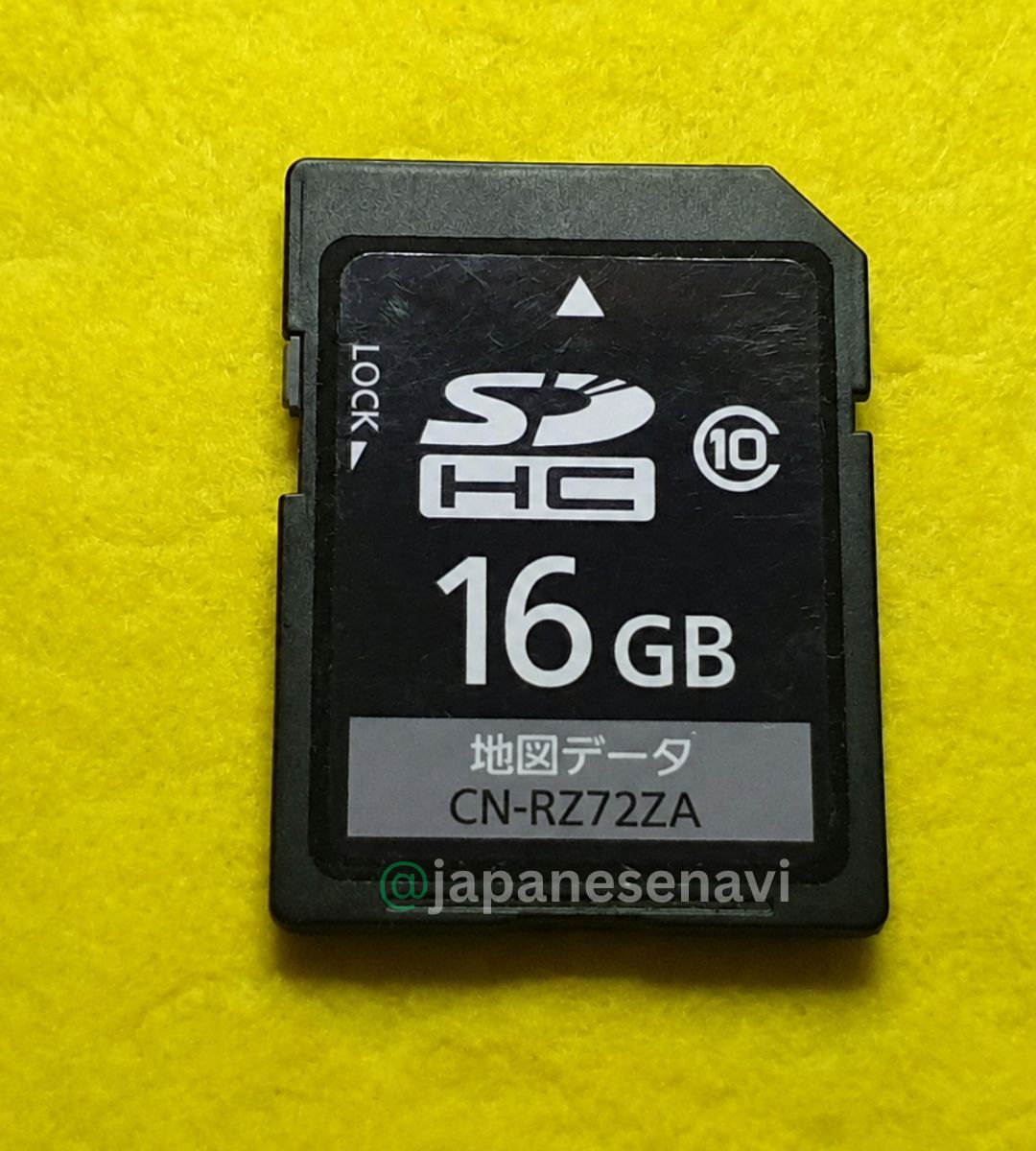
Panasonic CN-RZ72ZA Map SD Card
Panasonic CN-RZ72ZA Map SD Card restores navigation data for compatible Japanese car multimedia systems. Ideal replacement solution for missing, damaged, or unreadable navigation SD cards.
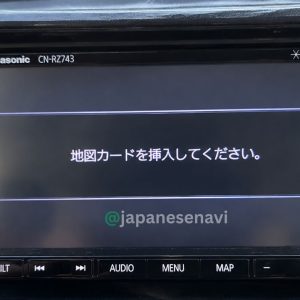
⚠ Common On-Screen Errors
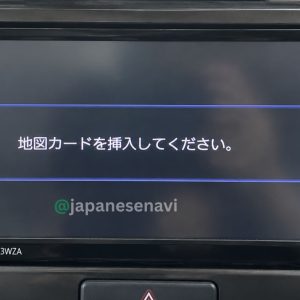
地図カードを挿入してください。 (Please insert map card)
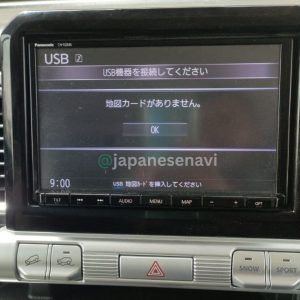
地図カードがありません。 (Map card not found)
ファイルが見つかりません。SDカードをご確認ください。 (Check SD card / File not found)
地図SDHCメモリーカードをご確認ください (Check SDHC memory card)
ドライブレコーダーにSDカードが挿入されていません (No SD card inserted)
ダイアグ検査メニュー (Diagnostic menu)
System restart / SD card recognition errors
✔ Compatible Vehicles
Toyota RAV4, Harrier, Alphard, Vellfire, Crown, Prius, Land Cruiser Prado, Aqua, Vitz/Yaris, Corolla Axio, Corolla Fielder,
Subaru Forester, XV / Crosstrek, Impreza,
Daihatsu Mira, Move, Tanto,
and other Japanese import vehicles.
Description
CN-RZ72ZA Map SD Card – Panasonic Strada Navigation Repair Solution
OEM Repair Solution
Plug & Play SD Card
Worldwide Support
If your Panasonic Strada system displays “Insert Map SD Card” or stops loading maps after reset or battery change, this SD card restores full system functionality.
⚠️ Common Error Messages
Navigation Errors
- 地図カードを挿入してください (Please insert map card)
- 地図カードがありません (Map card not found)
- SD Card Not Recognized
System Errors
- File not found – check SD card
- SDHC memory card error
- Navigation screen blank / stuck
Boot / Diagnostic Errors
- ダイアグ検査メニュー (Diagnostic mode)
- System restart loop / freeze issue
📌 Compatible Models
- CN-RZ72ZA
- CN-RZ72
- CN-RA Series
- CN-RE Series
- CN-RS Series
- CN-RX Series
- CN-F1 Series
🔧 What This SD Card Does
- Restores navigation system boot
- Fixes SD card missing error
- Restores map loading function
- Fixes multimedia system freeze
- Enables stable system startup
⚙️ Installation Steps
- Turn OFF vehicle ignition
- Insert CN-RZ72ZA SD card
- Turn ON system
- Wait for system initialization
- Verify navigation is restored
🌐 Service Options
Instant access worldwide – no shipping required.
We ship tested OEM-style SD cards globally.
🧠 Why This Problem Happens
- Battery disconnect resets navigation memory
- Corrupted OEM SD data
- System firmware lock after restart
- SD card physical degradation
📞 Support & Contact
- WhatsApp: +92 345 3162461
- YouTube: @japanesenavi
- Facebook: Japanesenavi Page
- Instagram: @japanesenavi
Reviews
There are no reviews yet.