
Alpine EX008V Map SD Card | Japanese Navi
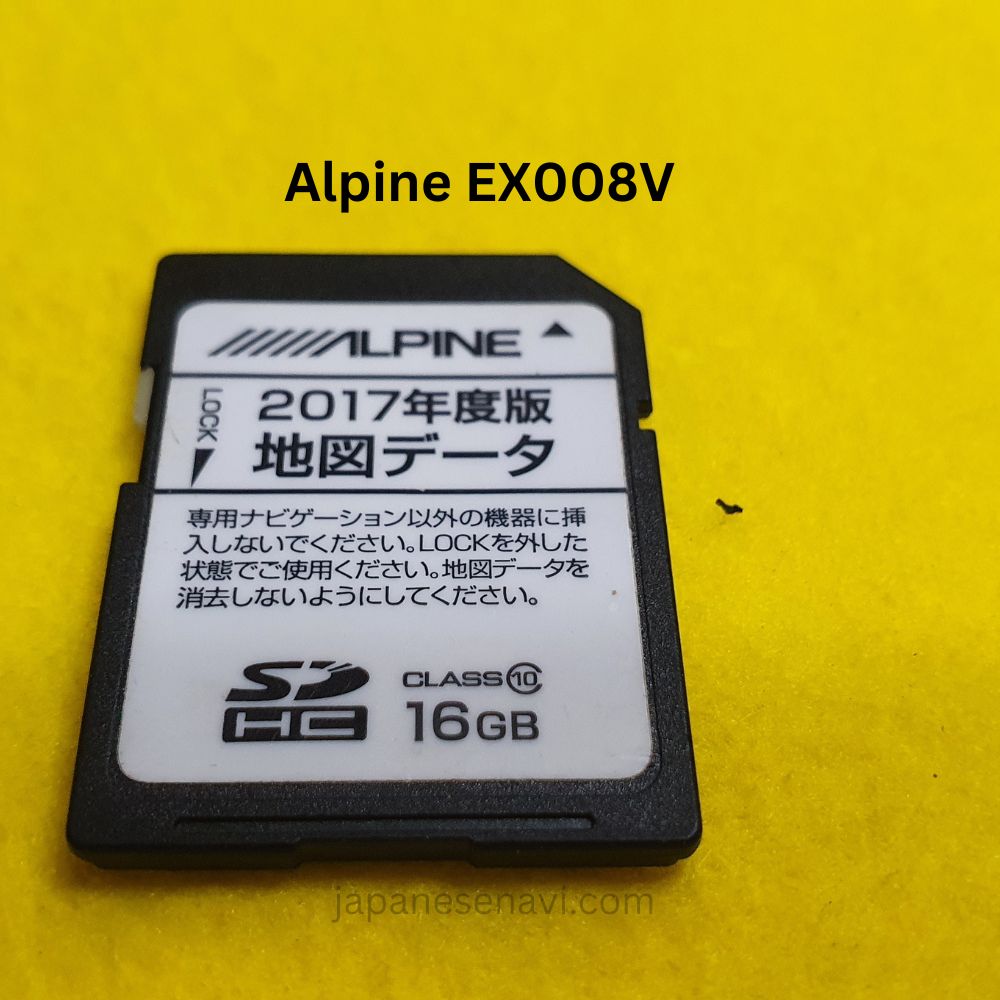
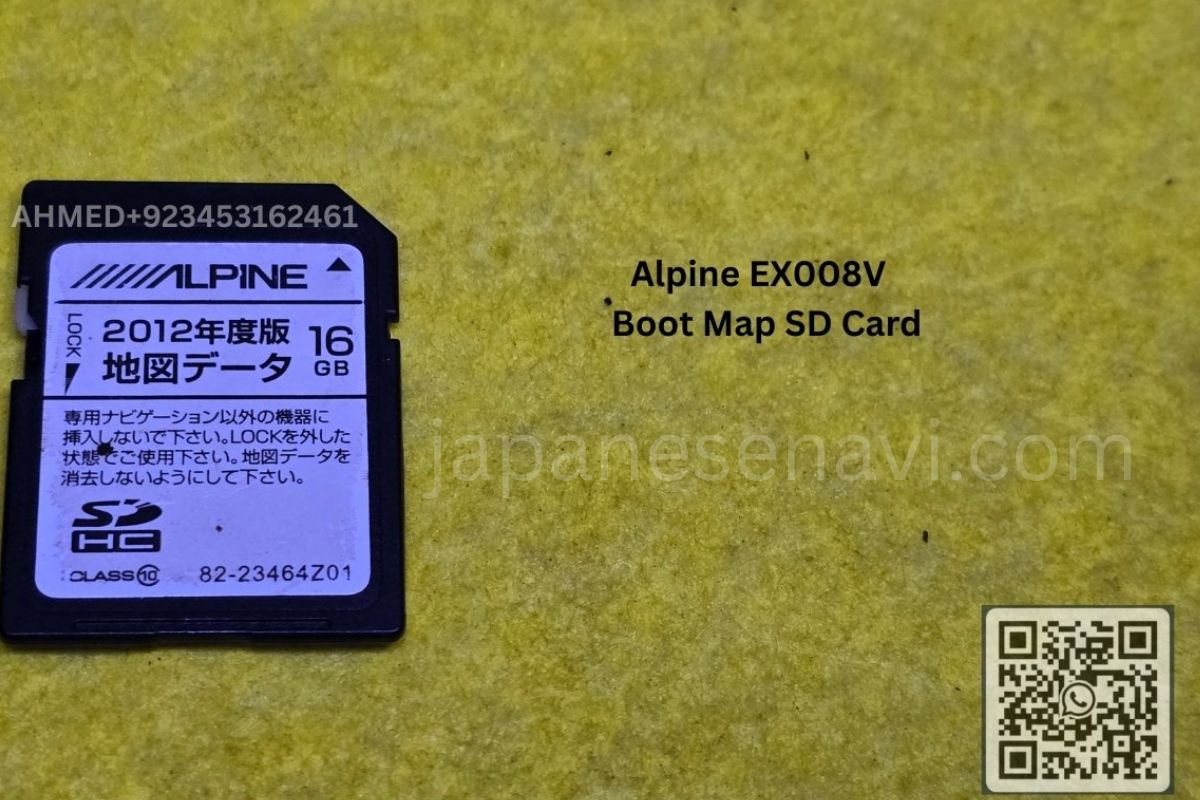
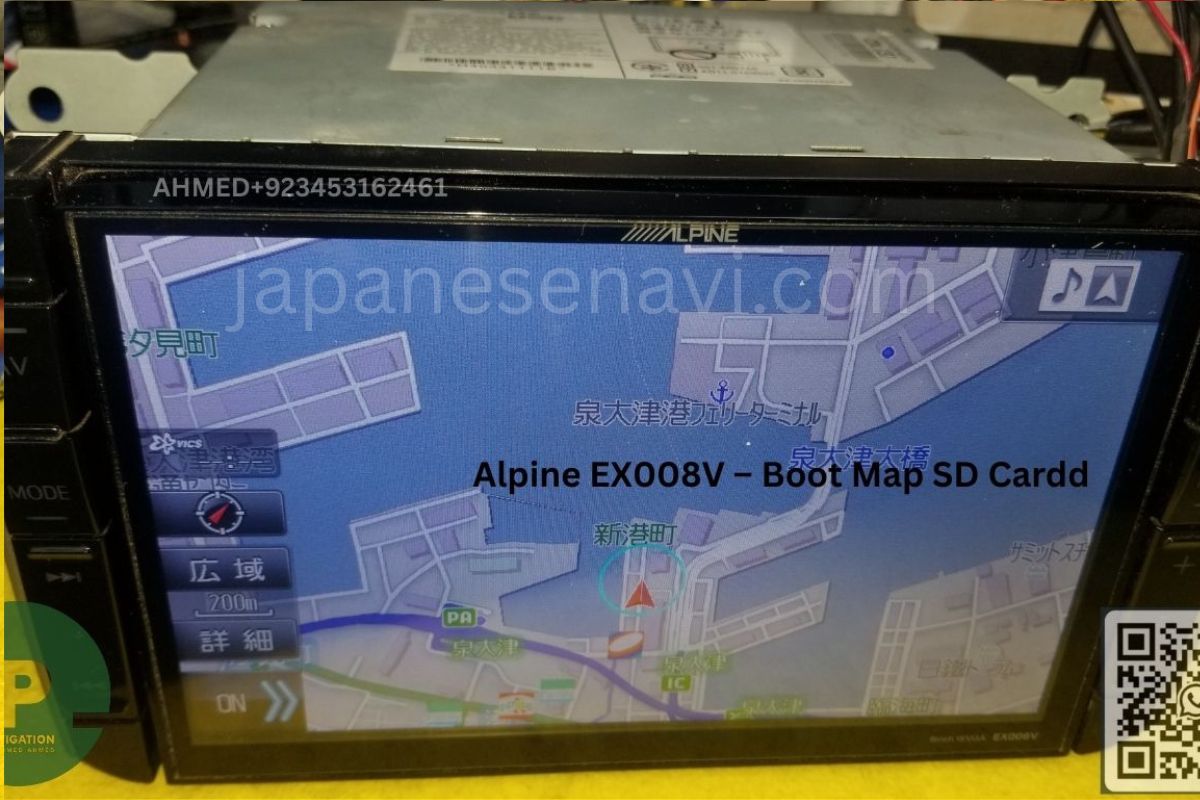
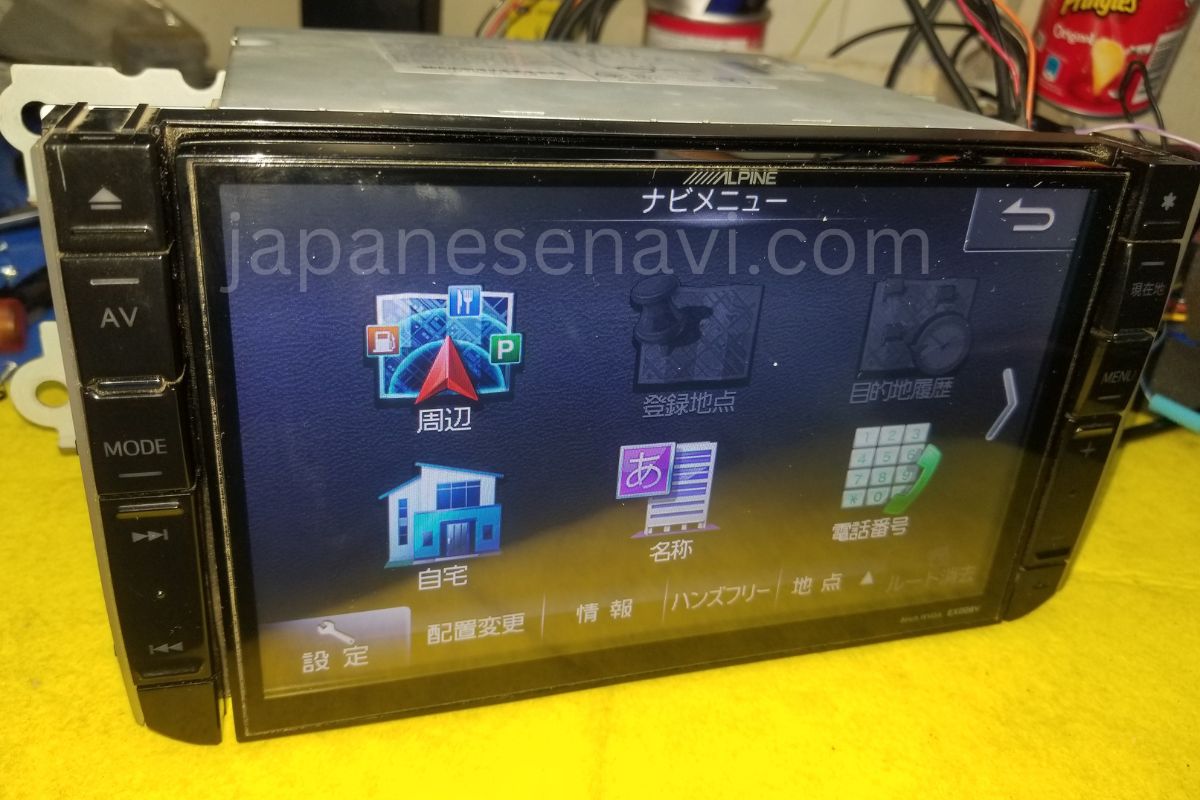
Alpine EX008V Map SD Card for Alpine EX008V Japanese navigation systems.
Designed for customers with blank screens, boot loops, or navigation units failing to load maps following SD card corruption, damage, or loss.
Compatible with Alpine EX008V BIG X navigation systems requiring original map and system data on SD card.
We provide the map and system software files; you supply your own SD card. Digital service — no physical SD card is shipped. Global 24/7 remote support available.
Description
Alpine EX008V Map SD Card
Digital map & system files — you provide the SD card — Japanese Navi
The Alpine EX008V Map SD Card service provides original map data and system initialization files for the Alpine EX008V navigation unit. The EX008V is a memory navigation system from the BIG X series, manufactured around 2008, frequently installed as an OEM factory-option navigator for Mazda, Suzuki, and Toyota vehicles. When the map or system data becomes corrupted, missing, or damaged, the Alpine EX008V unit may show blank screens, boot loops, or fail to load maps. This is a digital service — we provide the map and system software files; you supply your own SD card. No physical SD card is shipped.
What Is Map & System Software for Alpine EX008V?
Navigation systems like the Alpine EX008V use map and system data stored on an SD card to initialize the unit and display Japan maps with navigation points of interest. When your Alpine EX008V encounters data corruption, missing files, or damaged content, the unit may show blank screens, boot loops, or fail to load maps. The Alpine EX008V map software contains the original map data, POI files, and system initialization data needed for proper navigation function.
Map software differs from a regular SD card — it’s a digital package of map data, POI files, and configuration files unique to the Alpine EX008V’s internal navigation setup. Installing the right Alpine EX008V map software on your own SD card brings back complete navigation functionality without additional configuration.
Compatible Alpine EX008V Models & Service Scope
The Alpine EX008V Map SD Card service is meant specifically for the Alpine EX008V navigation system.
| Brand | Alpine (Alpine Electronics) |
| Model | EX008V |
| Release | 2008 |
| Navigation Type | OEM Factory-Option Memory Navigation System (BIG X) |
| Display | WXGA Touchscreen |
| Service Type | Digital map & system software/files (customer supplies SD card) |
| Physical SD Card | Not included – customer must provide their own SD card |
This Alpine EX008V map SD card service covers digital file delivery only. It doesn’t include physical SD cards, map updates, software installation, or hardware repair. We offer 24/7 support for all Alpine EX008V units.
Vehicles Compatible with Alpine EX008V
Mazda Vehicles with Alpine EX008V
- Mazda CX-5 (2008)
- Mazda Atenza / Mazda6 (2008)
- Mazda Axela / Mazda3 (2008)
- Mazda Demio / Mazda2 (2008)
Suzuki Vehicles with Alpine EX008V
- Suzuki Escudo (2008)
- Suzuki Vitara (2008)
- Suzuki Spacia (2008)
- Suzuki Swift (2008)
Toyota Vehicles with Alpine EX008V
- Toyota Aqua (2008)
- Toyota Corolla (2008)
- Toyota Prius (2008)
The Alpine EX008V is an OEM factory-option unit, so compatibility depends on the specific vehicle trim level and factory installation. Our 24/7 support supports all compatible vehicles.
Why Map & System Data Fails on Alpine EX008V
The Alpine EX008V map and system data can fail in several typical situations. Data corruption during updates or system restarts may cause your Alpine EX008V to show blank screens or boot loops. Physical damage to the Alpine EX008V SD card slot or SD card itself also triggers failures. SD card loss or misplacement on the Alpine EX008V occasionally needs replacement of the map and system files. Several unsuccessful load attempts will lock your Alpine EX008V as a protective step.
Sometimes, a used Alpine EX008V unit bought without original data will display failures too. The map software isn’t a regular file — it’s a data safeguard that stops accidental or unapproved updates. Our 24/7 support supplies the right files right away.
Common Scenarios for Alpine EX008V Map SD Card
Owners usually request the Alpine EX008V Map SD Card service in these situations:
- Blank screen or boot loop during vehicle maintenance triggering Alpine EX008V failure
- Map or system data corruption or damage on Alpine EX008V
- SD card loss or misplacement from Alpine EX008V system
- Map update or software restart triggered data failure on Alpine EX008V
- Second-hand Alpine EX008V unit purchased with data missing or corrupted
- Attempting to restore map data or perform a software update on Alpine EX008V
- Alpine EX008V shows blank screen, boot loop, or “SD card error” prompt on screen
The Alpine EX008V map software brings back full navigation access and lets the Alpine EX008V unit resume normal operation right away.
What the Alpine EX008V Map SD Card Service Does & Doesn’t
This Alpine EX008V map SD card service DOES:
- Provide the correct Alpine EX008V map and system software files
- Restore Alpine EX008V map data access and full navigation operation when used with a proper SD card
- Enable Alpine EX008V software updates and firmware installations (map-related)
- Unlock Alpine EX008V system settings and restore stored locations/routes (map-dependent)
- Provide 24/7 remote support for file usage and SD card preparation guidance
- 24/7 availability — support available anytime, day or night
This Alpine EX008V map SD card service DOES NOT:
- Supply or ship any physical SD card
- Fix hardware failures on Alpine EX008V (broken display, GPS antenna, power supply, etc.)
- Repair GPS reception or positioning issues on Alpine EX008V
- Replace lost or corrupted map data in Alpine EX008V (without customer SD card)
- Bypass vehicle anti-theft systems
If your Alpine EX008V has hardware problems or GPS faults unrelated to the map data, those need separate diagnosis and repair.
What’s Needed for Alpine EX008V Map SD Card
To request Alpine EX008V map software, please supply:
- Unit model number: Confirm it is exactly Alpine EX008V
- Unit photo: Clear photo showing the Alpine EX008V model number and serial number
- Current unit state: Does the Alpine EX008V screen show blank screen, boot loop, or SD card error? Does the unit start?
- Your SD card: Customer must provide a compatible SD card (capacity/type as advised by support)
Once we get this information, your Alpine EX008V map software files are prepared and delivered digitally — typically within 24 hours, 24/7.
How the Alpine EX008V Map SD Card Service Works (24/7)
Step 1: Reach Out — Send your Alpine EX008V model number, unit photo, and short description via WhatsApp or email. Inquiries welcome 24/7, instant reply.
Step 2: Fast Verification — Japanese Navi checks the Alpine EX008V details right away. Verification done within minutes.
Step 3: Alpine EX008V Map Software Preparation — The correct Alpine EX008V map and system software files are prepared for your unit immediately.
Step 4: Digital Delivery — The Alpine EX008V map files are sent via download link or email, usually within 24 hours. Files are specific to your unit model.
Step 5: Customer SD Card Preparation — You prepare your own SD card using our instructions (formatting, file placement). We provide step-by-step remote guidance.
Step 6: Alpine EX008V Unit Use — Insert your prepared SD card into the Alpine EX008V. The unit should then load maps and return to normal operation.
Step 7: 24/7 Backup Support — If you face issues, Japanese Navi gives immediate remote help, 24/7.
24/7 Availability: WhatsApp messages welcome anytime. Quick replies, fast file delivery. No delays — support runs nonstop.
Frequently Asked Questions
Is the Alpine EX008V map service a physical product?
No. This is a digital service. We provide map and system software files only. No physical SD card is shipped. Customer must supply their own SD card.
How long does it take to get the Alpine EX008V map files?
Fast digital delivery — typically within 24 hours of receiving your information. Many requests are completed immediately, 24/7.
Is 24/7 support available?
Yes. Inquiries accepted 24/7 via WhatsApp or email. Immediate responses, fast file delivery. Support available anytime, day or night.
What information do you need?
Alpine EX008V model number, photo of the model label and serial number, description of current unit state, and confirmation you have an SD card. Quick and simple.
Will this fix all navigation problems?
The map software resolves map and system data failures instantly and restores map access. Hardware problems or GPS issues require separate diagnosis.
Do you send an SD card?
No. We do not supply or ship SD cards. Customer must provide their own compatible SD card. We guide you on size/type and preparation.
Can I get the files immediately?
Yes. Fast file preparation and delivery — typically within 24 hours. No waiting, 24/7 support.
What if the files don’t work?
24/7 follow-up support is included. Japanese Navi will troubleshoot with you immediately to resolve the issue at no extra cost.
Is this service legal?
Yes. The service is provided for authorized users.
Does this remove vehicle anti-theft?
No. This service is for the navigation unit’s map data only. Vehicle anti-theft systems are separate.
Can you help if I lost my map data?
Yes. The map software replaces lost map data instantly and restores access immediately.
I bought it second-hand — can I still get the files?
Yes, with unit information and photos showing the model and serial number. Fast support, 24/7.
Are refunds available?
The service is non-refundable once the map files are delivered. However, fast 24/7 support and rework are provided immediately if the files or setup need adjustment.
Before You Request Alpine EX008V Map SD Card
Before submitting a request, please confirm:
- Your navigation unit is exactly Alpine EX008V
- You know the current state (does it start? does it show blank screen, boot loop, or SD card error?)
- You can provide a clear photo of the model number and serial number
- You have a compatible SD card ready to use
Contact Japanese Navi via WhatsApp for fast support — 24/7 support available, immediate response.
Alpine EX008V Map SD Card & 24/7 Support
Japanese Navi offers fast Alpine EX008V map software preparation. The service covers immediate file generation, fast digital delivery, and 24/7 backup support.
24/7 Availability: Inquiries welcome anytime through WhatsApp or email. Quick replies, fast file delivery — no delays. Support runs around the clock, day or night.
Fast Turnaround: Files made and sent within 24 hours. Many requests finished right away.
24/7 Backup Support: If the files need tweaking or fail, fast help is given at no extra charge, 24/7.
Global Fast Support: Open to customers everywhere, 24/7. No time zone limits.
Japanese Navi provides fast 24/7 support; inquiries accepted anytime, immediate responses. Files delivered within 24 hours. Full 24/7 follow-up support included if issues arise.
admin –
Thank you Ahmed Bhai, good service.