
AVIC-BZ500 Map SD Card | Japanese Navi
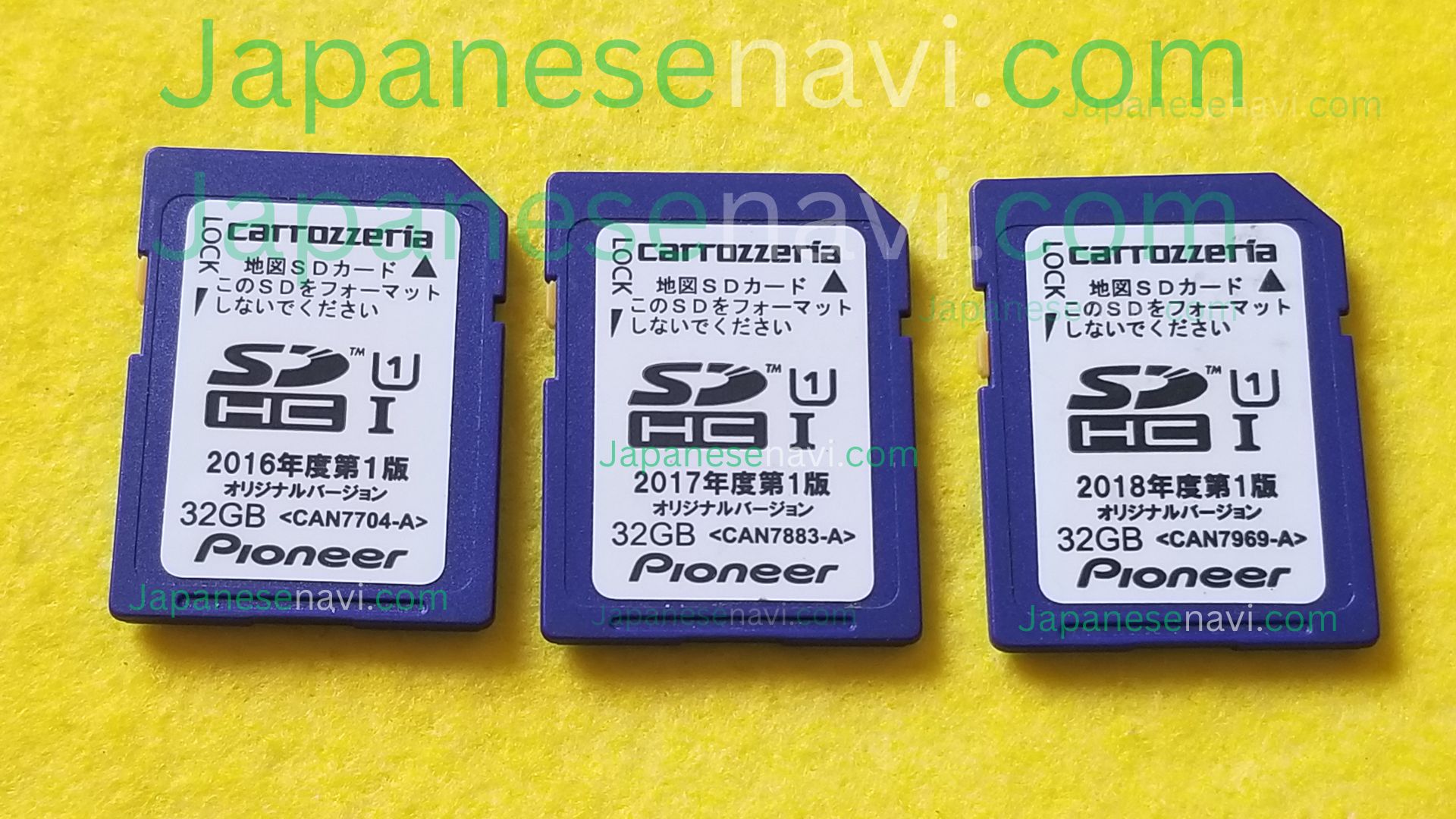
The AVIC-BZ500 Map SD Card is a replacement navigation map SD card for the compatible Pioneer Carrozzeria AVIC-BZ500 system. Ideal for replacing a lost, damaged, corrupted, formatted, or unreadable original map card in Japanese and imported vehicles. Compatibility should be confirmed before ordering, with worldwide shipping and support.
Description
AVIC-BZ500 Map SD Card
Pioneer Carrozzeria CyberNavi Navigation Map SD Card — Japanese Navi
AVIC-BZ500 Map SD Card is a replacement navigation map SD card for the compatible Pioneer Carrozzeria AVIC-BZ500 navigation system. The AVIC-BZ500 is an official Pioneer Carrozzeria model released in January 2017 and is listed by Pioneer as a business-use AV integrated memory navigation system. If your original navigation map card has been lost, damaged, corrupted, formatted, or is no longer being recognized, the correct replacement map card can provide the navigation data required by the compatible system.
Compatibility & Map Card Information
The Pioneer Carrozzeria AVIC-BZ500 is a 7-inch wide VGA AV integrated memory navigation system. Pioneer officially lists AVIC-BZ500 in its product and manual support pages and provides specific documentation for its SD-card functions. The unit was released in January 2017 and was produced as a business-use navigation model, with Pioneer noting that it could be changed to an individual-use specification through a paid service.
| Navigation Model | Pioneer Carrozzeria AVIC-BZ500 |
| Manufacturer | Pioneer / Carrozzeria |
| Release | January 2017 |
| Display | 7-inch wide VGA |
| System Type | AV Integrated Memory Navigation |
| Media | SD Card |
The AVIC-BZ500 has documented SD-card functionality, but not every SD card used with the unit should automatically be considered navigation map media. Pioneer provides separate instructions for SD-card operation and warns that incorrect handling of an SD card can result in data problems. For this reason, the navigation card should be matched to the exact AVIC-BZ500 system and the required map data.
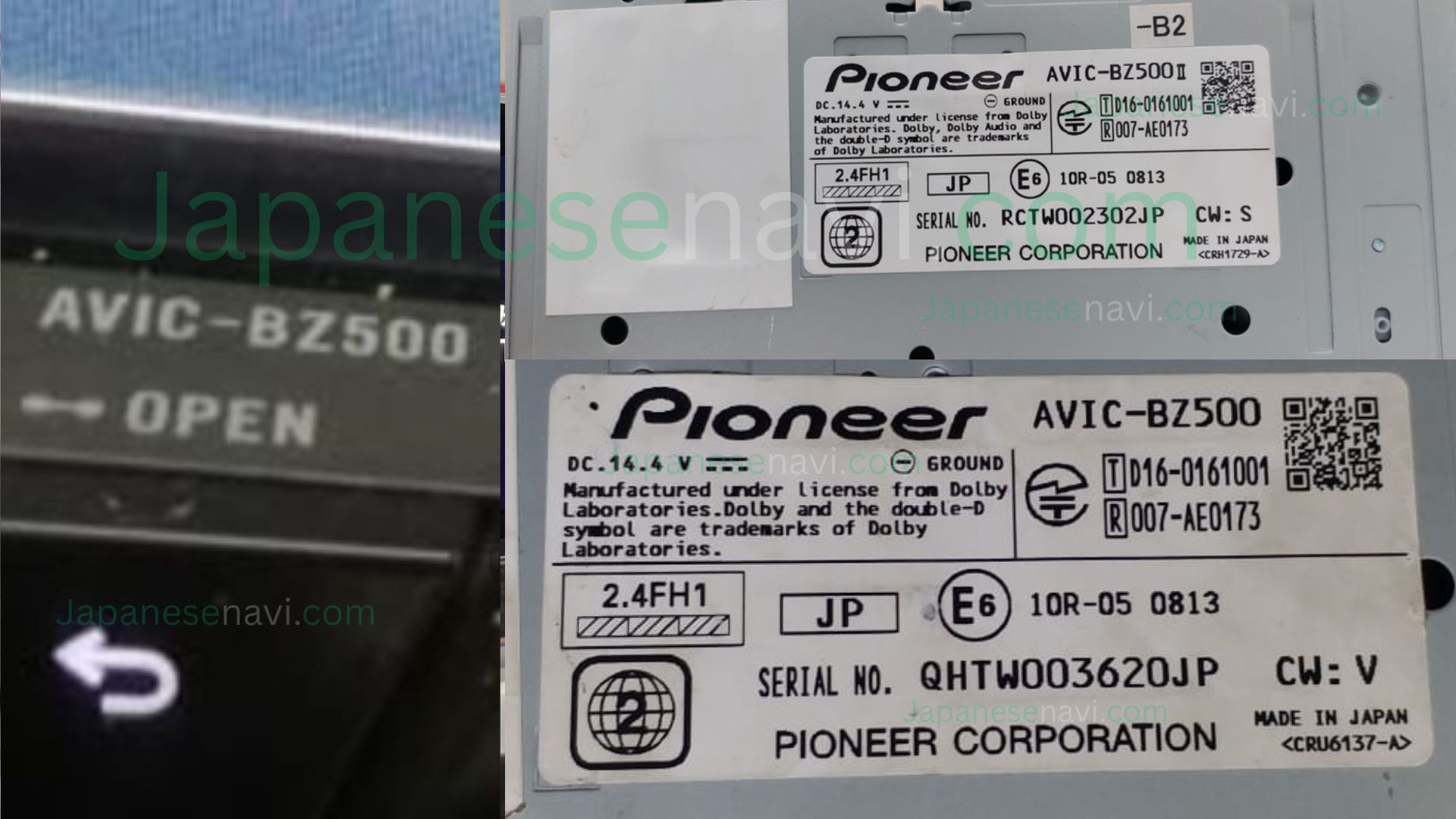
Because the AVIC-BZ500 is a Japanese-market Pioneer Carrozzeria system, imported vehicles can have different equipment histories or navigation installations. Always verify the model number printed on the actual unit instead of identifying the system only from the vehicle model.
If you are unsure whether your unit is an AVIC-BZ500, send us a clear photograph of the navigation unit, model label, navigation screen, or original SD card so compatibility can be confirmed before ordering.
Why the AVIC-BZ500 Map SD Card Fails
SD cards are storage media and can become unreliable over time. Pioneer explains in the AVIC-BZ500 documentation that SD cards have a service life and that data can become damaged if the card is removed while being accessed or handled incorrectly. Long-term use, repeated access, physical damage, corrupted files, and storage-media wear can therefore affect the reliability of an SD card.
Accidental formatting can also create navigation problems. Pioneer specifically warns users not to format the navigation map SD card. Formatting or modifying the wrong card can erase important navigation information and may leave the system unable to access the required data.
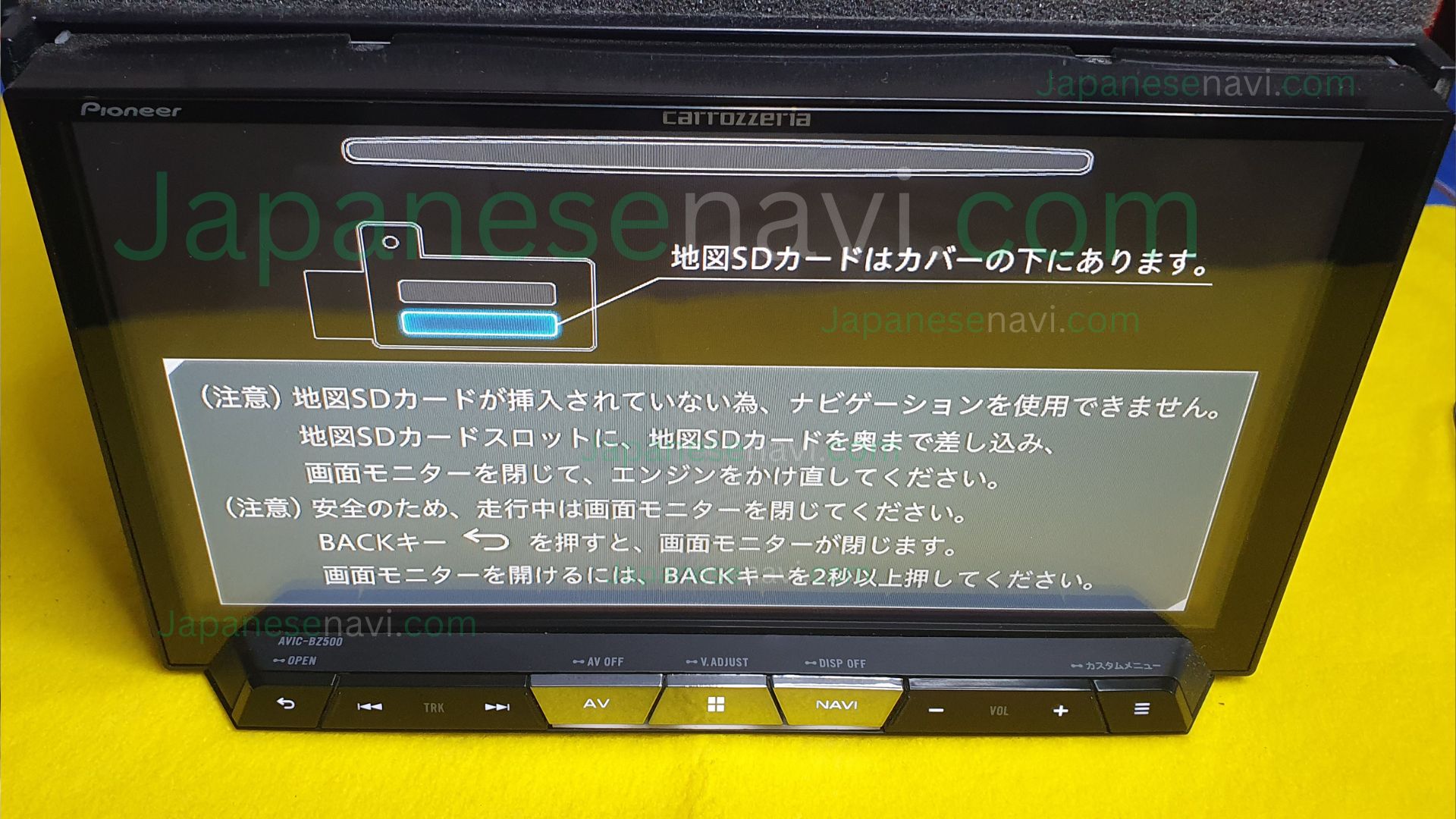
Japanese-import vehicles can also arrive without their original navigation map card, or the card may have been removed during servicing, vehicle importation, or previous navigation work. In these cases, the main AVIC-BZ500 unit may still power on while navigation map information is unavailable.
When the AVIC-BZ500 hardware is otherwise functioning correctly, replacing the appropriate map SD card can be a more practical solution than replacing the complete navigation unit.
Common AVIC-BZ500 Problems
Customers looking for an AVIC-BZ500 Map SD Card may experience problems such as:
- Navigation maps not loading
- Missing or unavailable navigation map information
- SD card not being recognized correctly
- Navigation failing to start normally
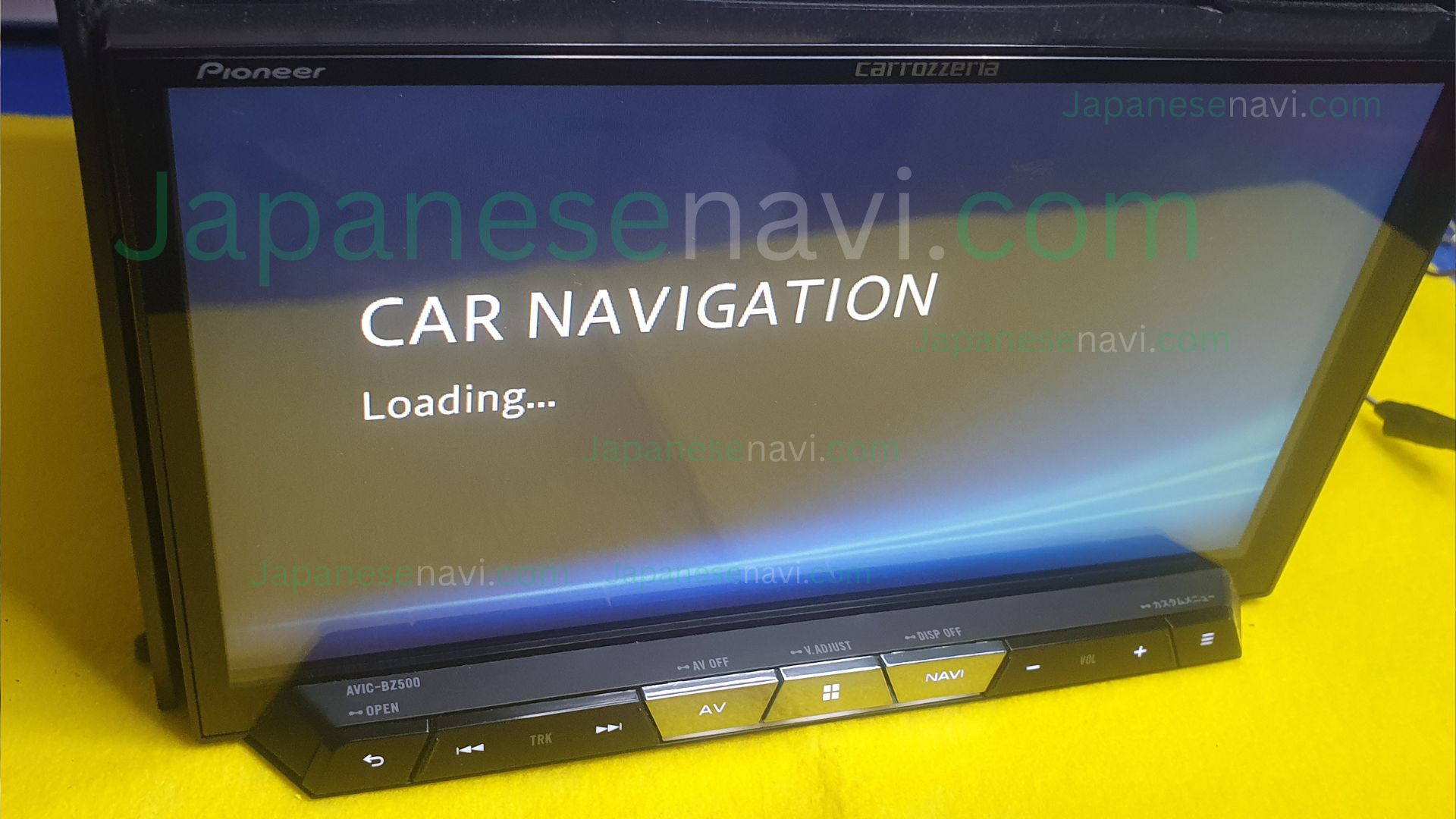
- Slow or stalled navigation startup
- Navigation freezing while loading map information
- Map information becoming unavailable after card damage
- Navigation problems after the original card was formatted
- Problems after the original navigation card was lost
- A damaged, corrupted, or unreadable original map card
- An AVIC-BZ500 that powers on but cannot access its required navigation map information
These symptoms can have several possible causes. A defective SD-card reader, power fault, wiring issue, GPS problem, display fault, incompatible media, or internal navigation hardware problem can produce similar behavior. A replacement card should therefore be matched to the exact navigation model before installation.
Card vs Full Unit Replacement
Replacing the complete Pioneer Carrozzeria AVIC-BZ500 navigation unit can be expensive and inconvenient, particularly when the system is installed in a Japanese-import vehicle. A used replacement may also have a different condition, configuration, or compatibility requirement.
If the AVIC-BZ500 itself is functioning correctly and the problem is related to missing or defective navigation map media, replacing the appropriate SD card is a more targeted solution. The existing navigation hardware can remain installed while the required map media is replaced.
The AVIC-BZ500 Map SD Card is therefore a practical option when the original navigation card has been lost, damaged, corrupted, formatted, or has stopped being recognized.
However, a replacement map SD card cannot repair a defective display, damaged SD-card reader, GPS hardware, wiring fault, power problem, or internal navigation failure. If your AVIC-BZ500 has additional symptoms, contact us before ordering so the problem can be assessed.
What’s Included
- Pioneer Carrozzeria AVIC-BZ500 navigation map SD card
- Navigation map data for the compatible AVIC-BZ500 system
- Compatibility confirmation before ordering where required
- Installation guidance
- Customer support for compatibility and fitting questions
This product is supplied as navigation map media. It does not include the complete Pioneer Carrozzeria AVIC-BZ500 head unit, display, GPS antenna, vehicle wiring, or other navigation hardware.
Before You Order
Before ordering an AVIC-BZ500 Map SD Card, please confirm the exact model number printed on your Pioneer navigation unit. Correct model identification is important because navigation systems can use different media and data configurations.
Please send us:
- The exact model number printed on your navigation unit
- Your vehicle make, model, and year
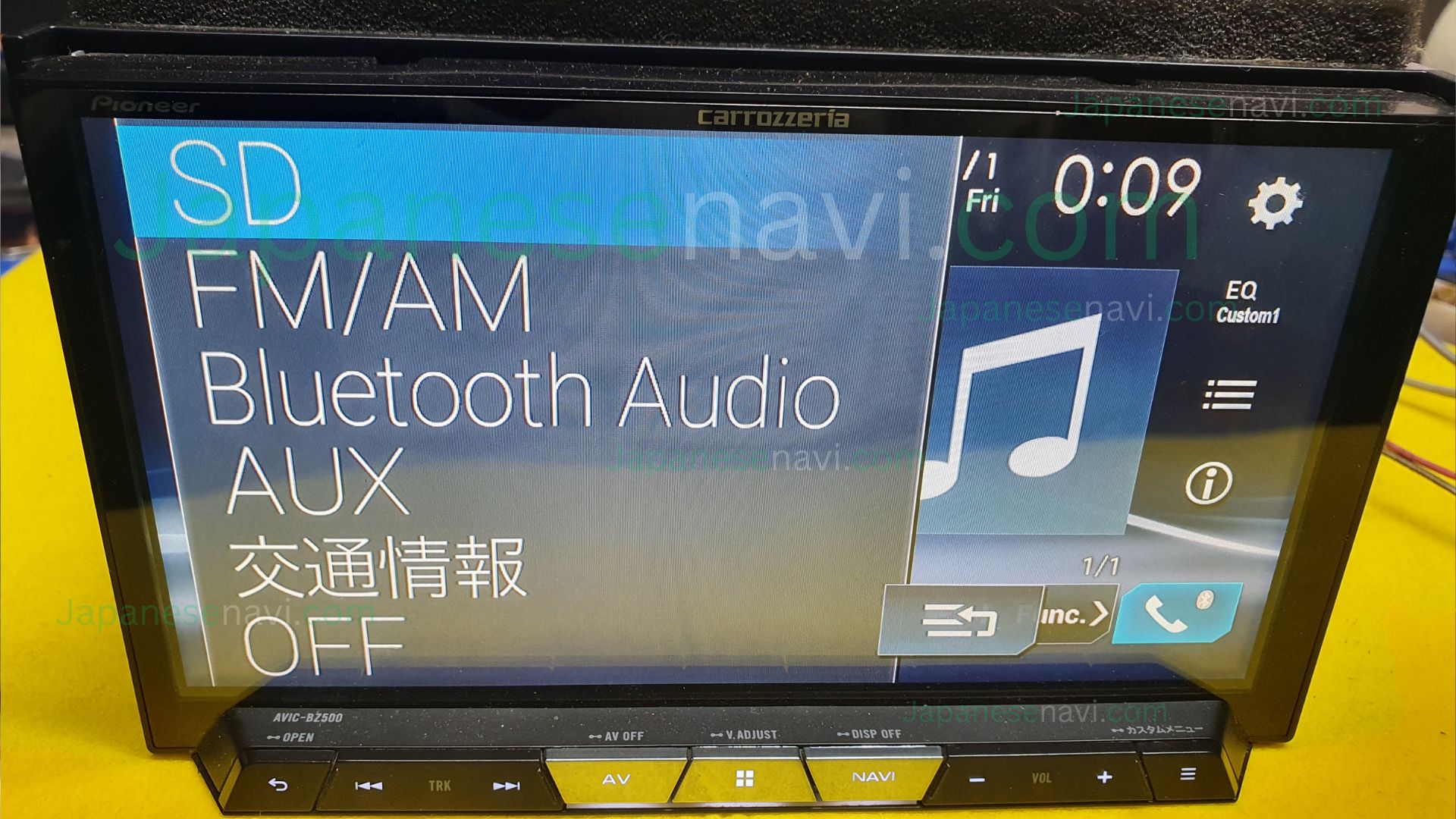
- A clear photo of the navigation screen
- A photo of the existing SD card or its label, if available
- A photo of any navigation error message if displayed
If the original navigation map card has been lost or stolen, you can still send us photographs of the AVIC-BZ500, the navigation screen, and vehicle information. This can help us determine the appropriate replacement before you order.
Do not format, modify, or overwrite the original navigation SD card before contacting us when the original card is still available. Pioneer warns that incorrect SD-card handling can damage stored data.
Frequently Asked Questions
What is the AVIC-BZ500 Map SD Card?
It is a replacement navigation map SD card for the compatible Pioneer Carrozzeria AVIC-BZ500 navigation system.
Is the AVIC-BZ500 a real Pioneer Carrozzeria model?
Yes. Pioneer officially lists AVIC-BZ500 in its product and support documentation. It was released in January 2017 and is identified as a business-use car navigation model.
Does the AVIC-BZ500 use SD cards?
Yes. Pioneer provides specific SD-card operating instructions for the AVIC-BZ500.
What if my original navigation map card was lost?
A replacement AVIC-BZ500 Map SD Card may be suitable when the original map media is missing. Send us the exact model information and photographs so compatibility can be checked.
Can I use any SD card in the AVIC-BZ500?
No. Ordinary SD media should not be assumed to contain the correct navigation data. The card and navigation data must be appropriate for the exact system.
Can a replacement map card fix a completely dead AVIC-BZ500?
Not necessarily. A power fault, defective display, damaged SD-card reader, GPS issue, wiring problem, or internal hardware failure may require separate diagnosis.
Do I need to replace the complete navigation unit?
Not necessarily. If the AVIC-BZ500 hardware is functioning correctly and the problem is limited to missing or defective navigation map media, replacing the appropriate map card can be a more targeted solution.
Should I format the old SD card before replacing it?
No. Do not format or modify the original navigation media before diagnosis. Pioneer warns that improper SD-card handling can damage stored data.
What information should I send before ordering?
Send the exact navigation model number, vehicle make and model, vehicle year, a clear photograph of the screen, and a photo of the existing card if available.
What if I am not sure whether my unit is an AVIC-BZ500?
Send us a clear photo of the navigation unit, screen, model label, or existing SD card. We can help identify the system and check the correct replacement before you order.
Shipping & Support
We ship the AVIC-BZ500 Map SD Card worldwide, with our team available on WhatsApp whenever you need help with compatibility, ordering, or fitting. If you are unsure about your exact AVIC-BZ500 system or original map card, send us the model information and a clear photo before ordering.
Compatibility Disclaimer: Compatibility should always be confirmed using the exact navigation model number before ordering. Vehicle equipment and navigation installations can vary by vehicle, model year, and specification. Pioneer and Carrozzeria are trademarks of their respective owner. Japanese Navi is an independent navigation SD card supplier and this page is not an official Pioneer website.
Reviews
There are no reviews yet.